Launch and manage local apps and dev servers from the tray
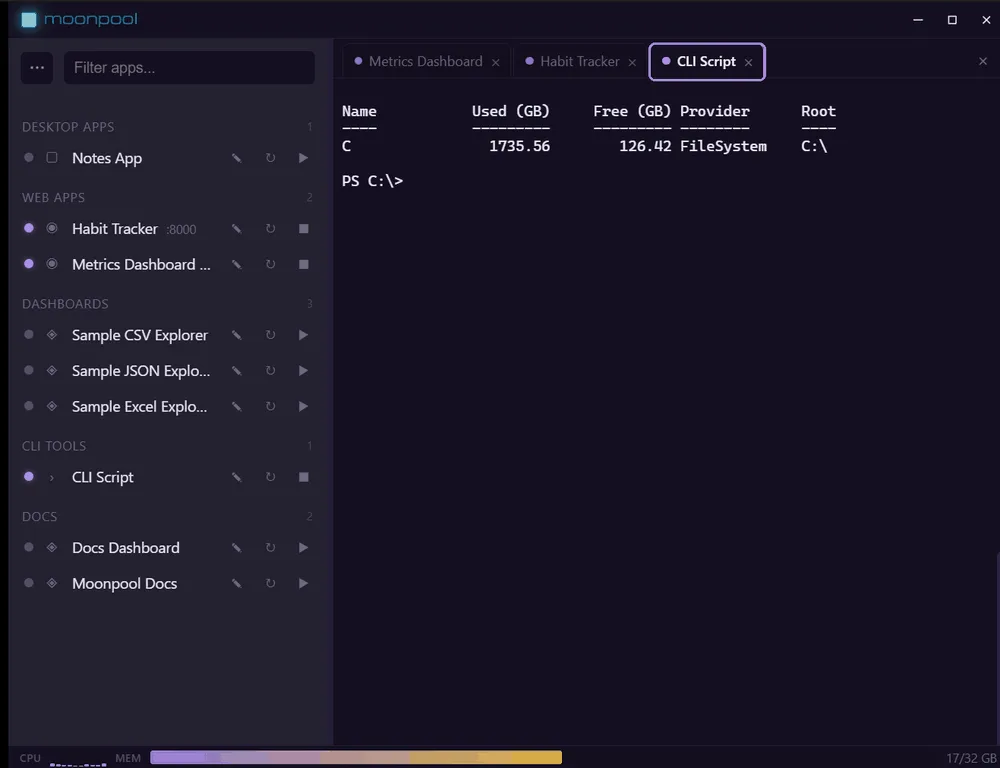
Moonpool is a tray launcher hub. It keeps the launch command, working directory, and environment for each of your local apps and dev servers in one place, and runs each one in its own terminal so you never hunt for a window or retype a command.
What it gives you
Section titled “What it gives you”- One place to start everything. Click an app’s Launch button (the play icon on its row) to start it. Clicking its name only opens its terminal tab. Moonpool tracks whether it is running and shows its output.
- Its own terminal per app. Each app runs in a managed terminal, so logs stay separated.
- Travels with you. Run Moonpool installed on a machine, or from a portable folder on a USB stick with all of its data beside it.
I want to…
Section titled “I want to…”| I want to | Go to |
|---|---|
| Install Moonpool | Installing |
| Get one app running, start to finish | Your first app |
| Add or change an app | Adding apps |
| Fix a problem | Troubleshooting and FAQ |
| Look up an error message | Error messages explained |
| Run a dev server in the background on Windows | Run an npm dev server in the background |
| Start a script or dev server at Windows login | Start an app at Windows login |
| Find and kill the process using a port | Find and kill the process using a port |
| Keep a Python script running in the background | Keep a Python script running |
| Give an AI agent an MCP server for my apps | MCP server for Claude Code, Codex and Cursor |
| Let an AI agent set up or drive my apps | AI agents: quick start |
| Run Moonpool from a USB stick or folder | Portable mode |
| Back up or move my setup | Backup and recovery |
| See what changed | What’s new |
| Look up a word | Glossary |
Moonpool is free software from FasterDB