


The desktop-shortcut pile, retired.
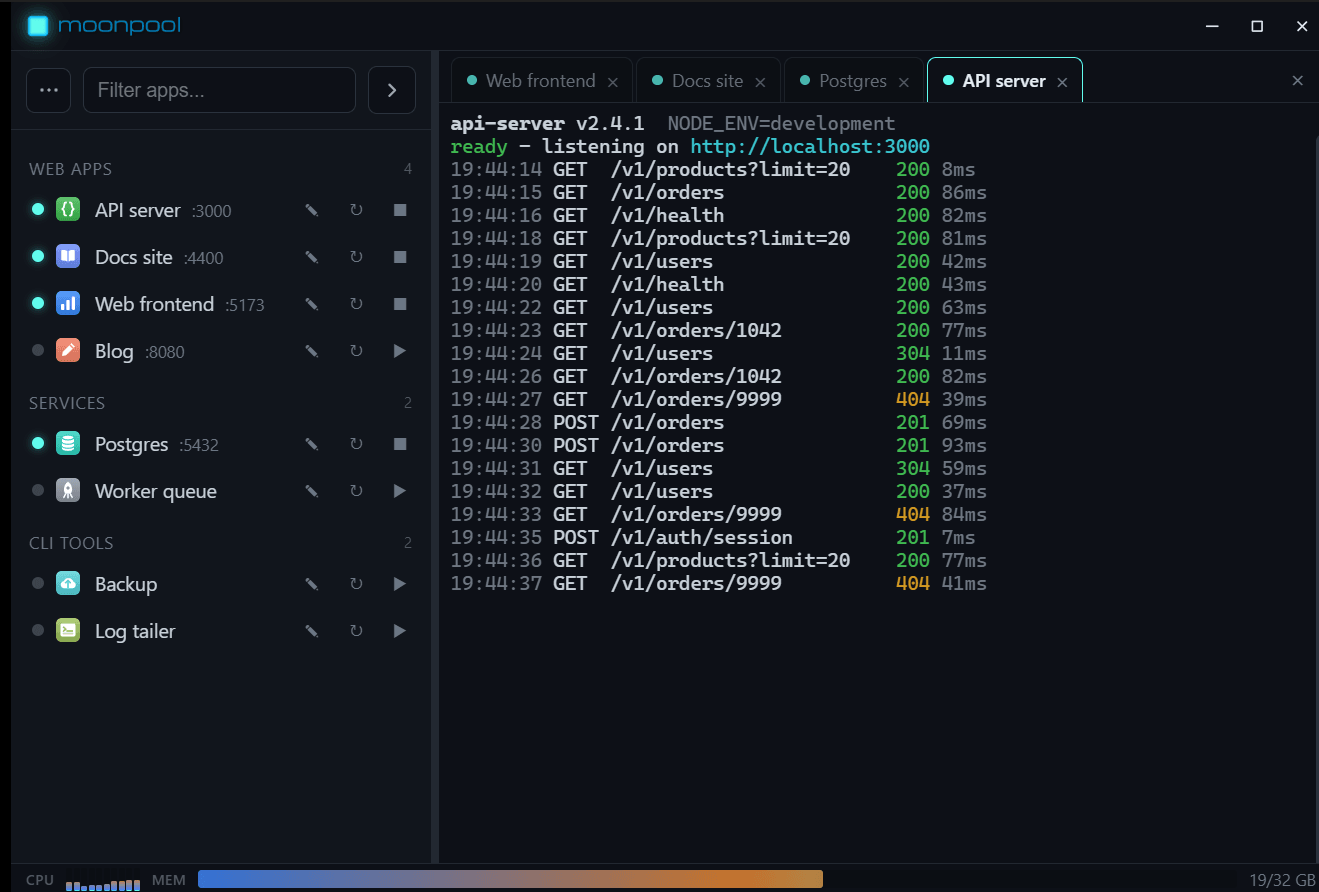
Every project ends up with its own little launch script and a shortcut on the desktop. Nothing tells you what exists, what's already running, or which port it grabbed. MoonPool is the one place that does.
Everything you run, in one searchable list.
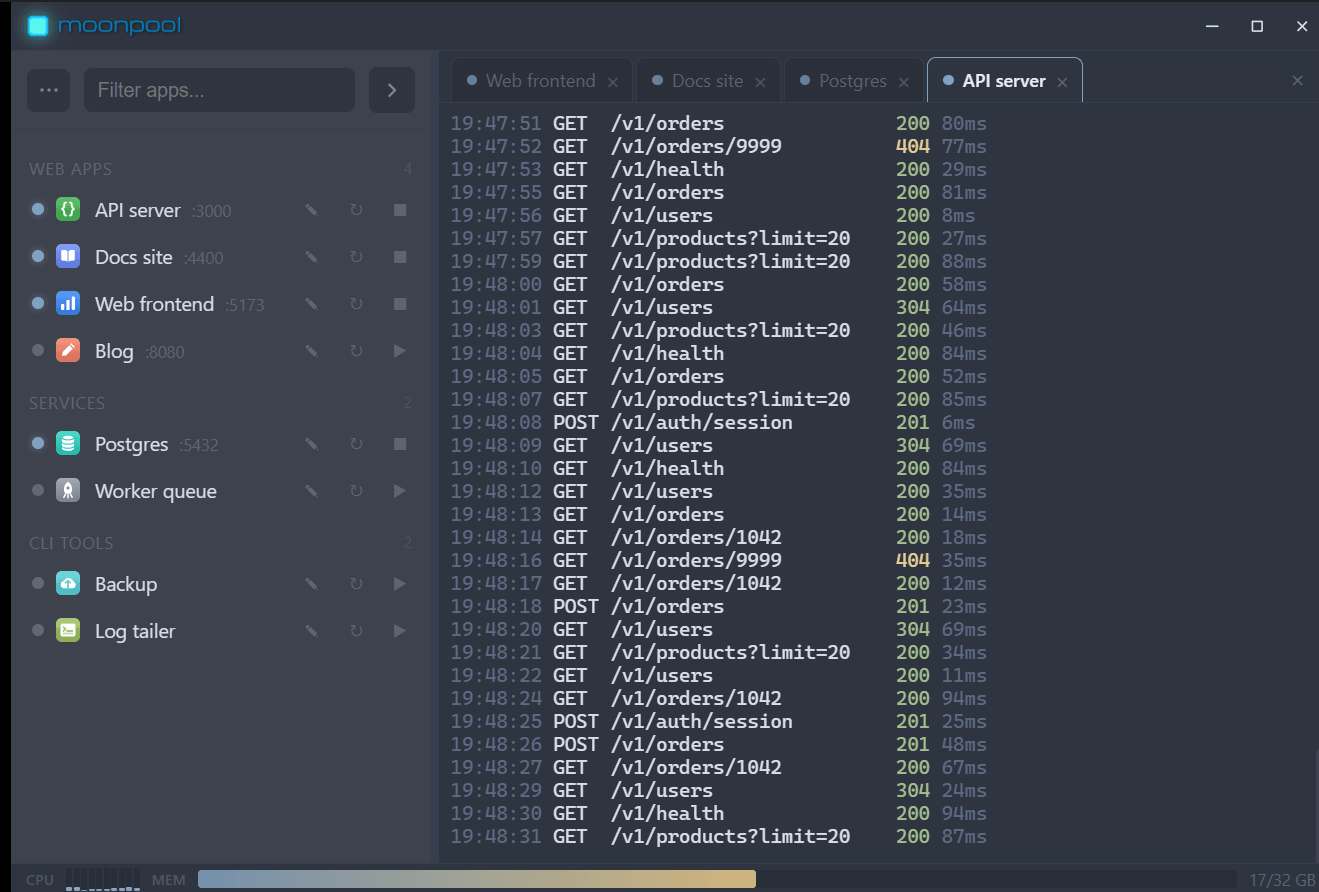
A single grouped, searchable sidebar driven by one JSON manifest. Desktop apps, web apps, static sites, and command-line tools all sit side by side, and the ones you use most float to the top.
Launch means launch, output and all.
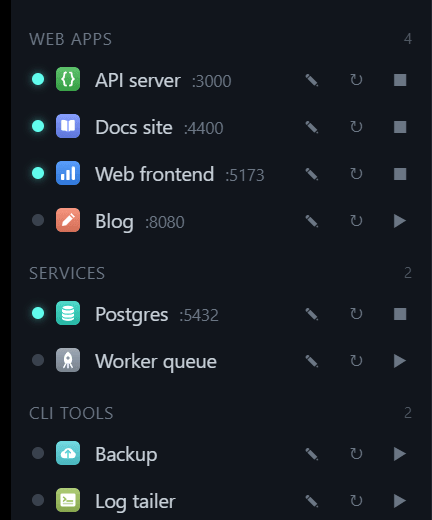
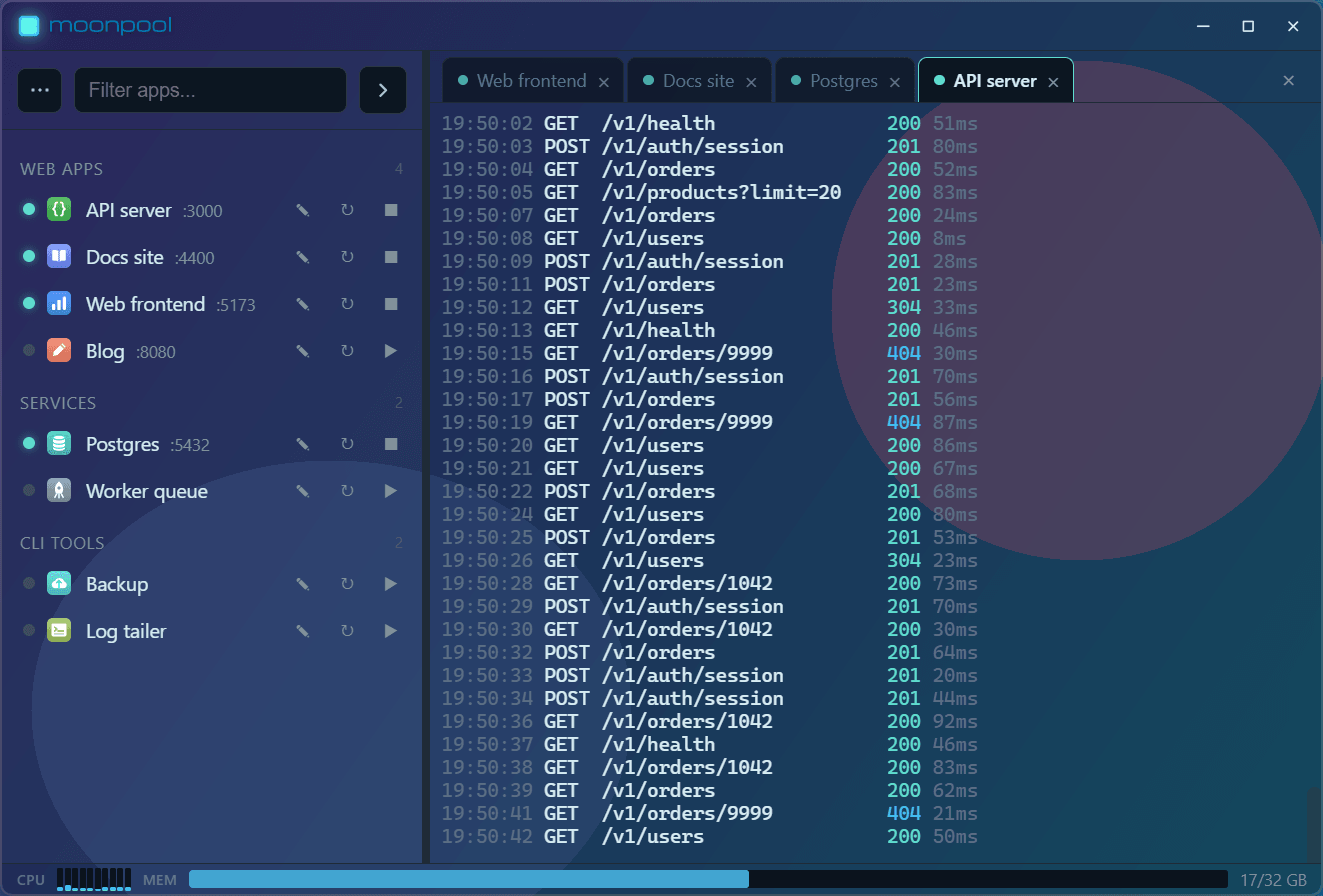
Starting an app runs its real command in a real terminal, streamed to a tab with full color, build progress, and errors, exactly as if you had opened the console yourself. You can type back into it too.
Know what's up before you touch it.
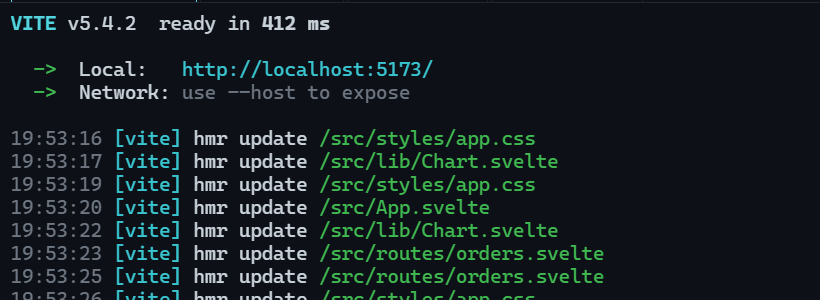
MoonPool checks a web app by pinging its port and a desktop app by looking for its process, so the status is honest even for things you started somewhere else. No more guessing whether it's already running.
Start, stop, and restart without the loose ends.
Stopping an app takes the whole process tree with it and frees the port behind it, so a restart actually restarts. When you close the window MoonPool tucks into the tray and keeps watch; a click brings it back.
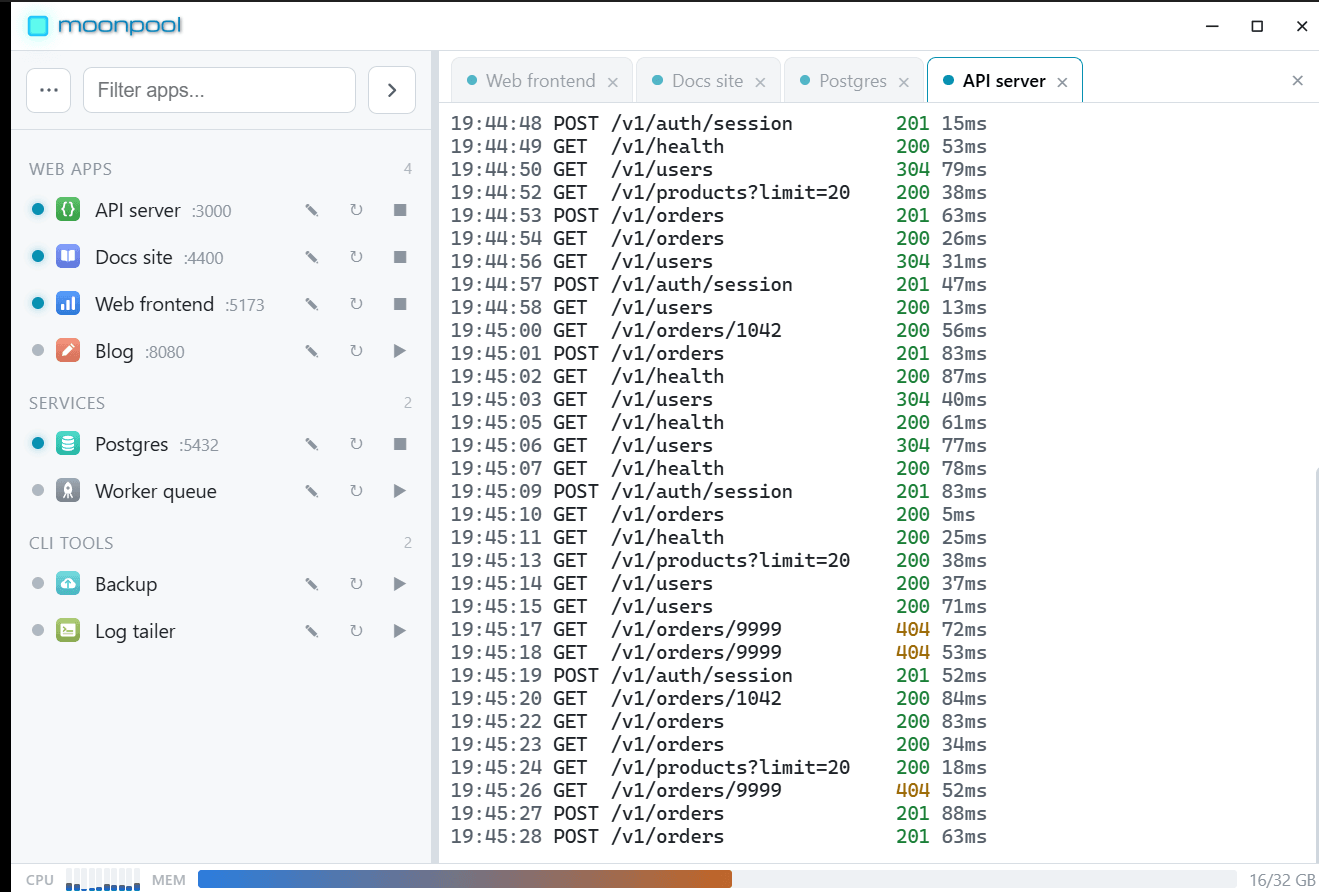
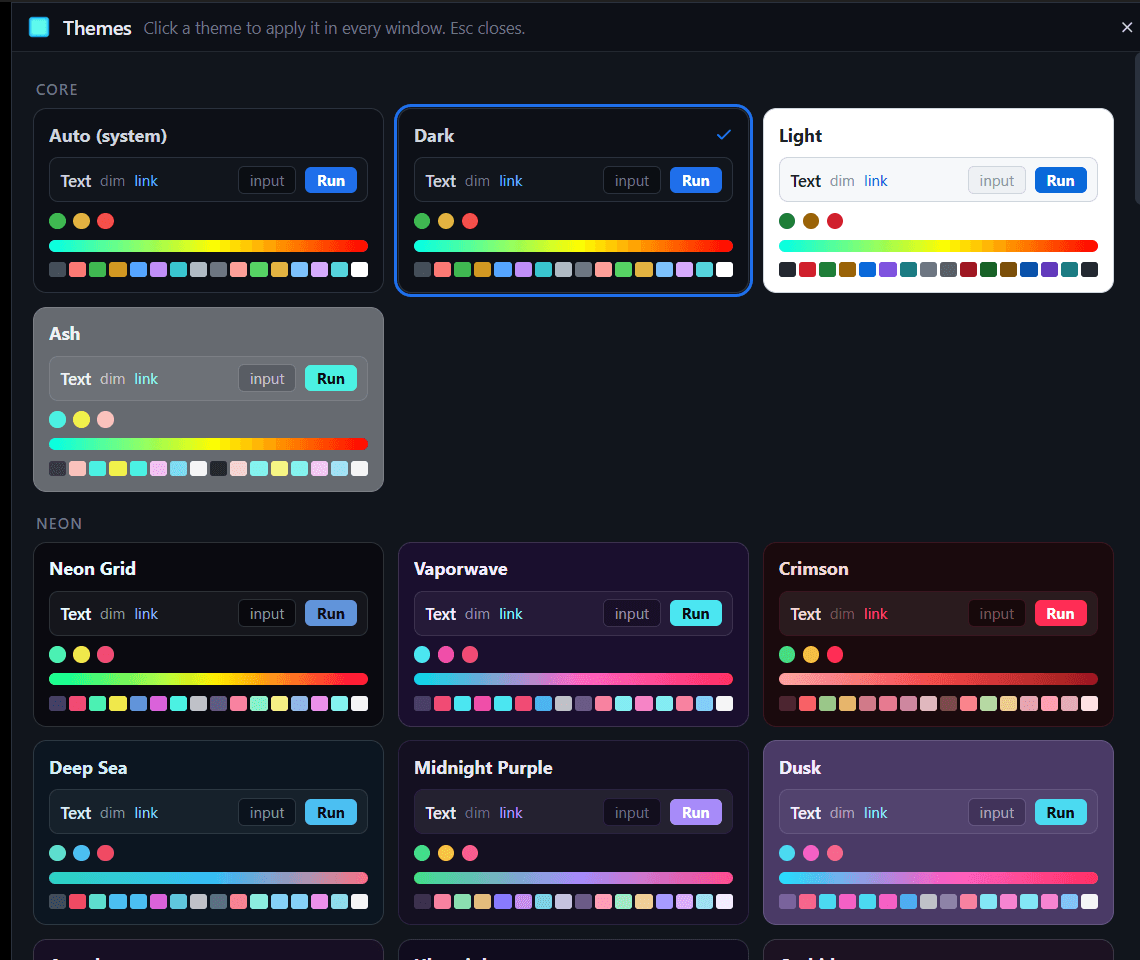
68 themes, transparency, 14 languages
Light, dark, Arctic, Deep Sea and dozens more, with adjustable window transparency and a built-in theme browser.Read the help: themes
- Built with
- Tauri v2 & Rust
- Interface
- Svelte 5
- Platform
- Windows & Linux
- License
- MIT, free forever
Get MoonPool
Free and open source. Version 0.3.16.
Download for Windows64-bit installer for Windows 10 and 11All downloads & release notes·Help and documentation·Source on GitHub